MCAST Interactive Noticeboard
An interactive noticeboard concept designed to help students quickly find campus information. The page now uses a more editorial layout with large visuals, angled sections and a clearer story of the design process.
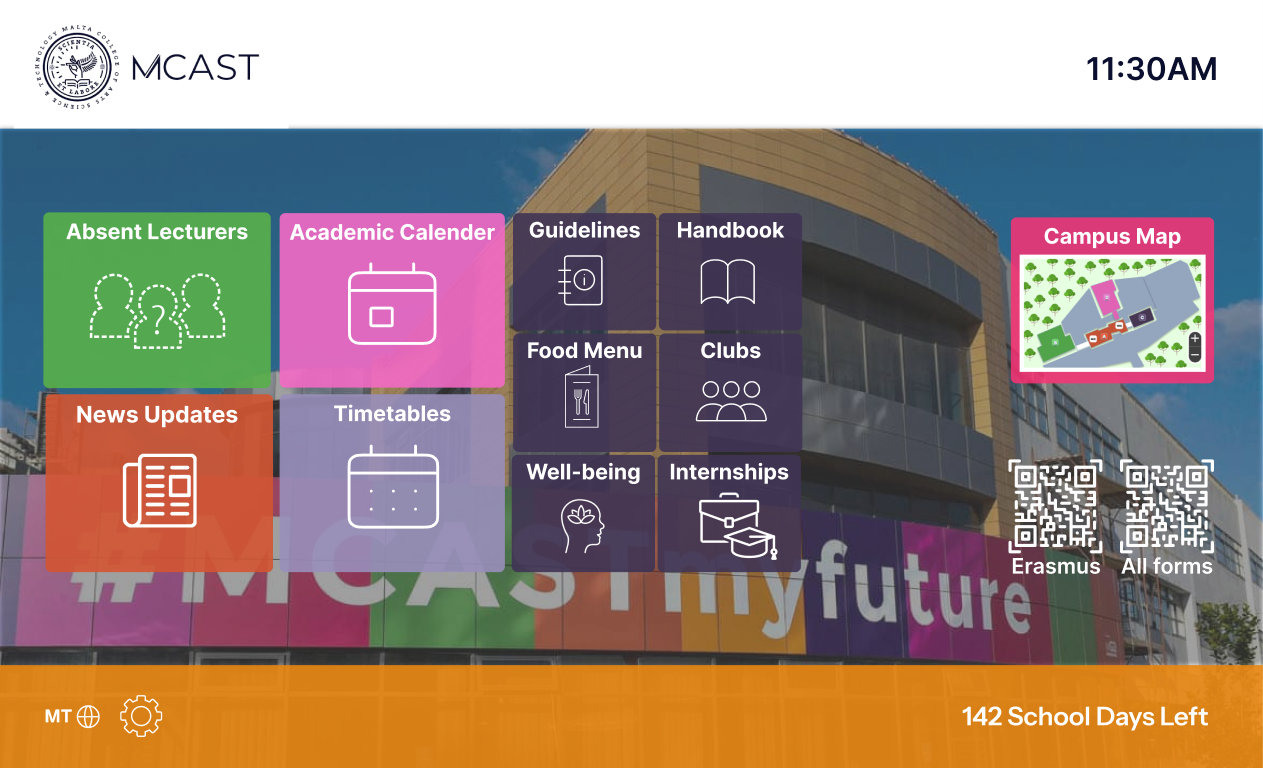
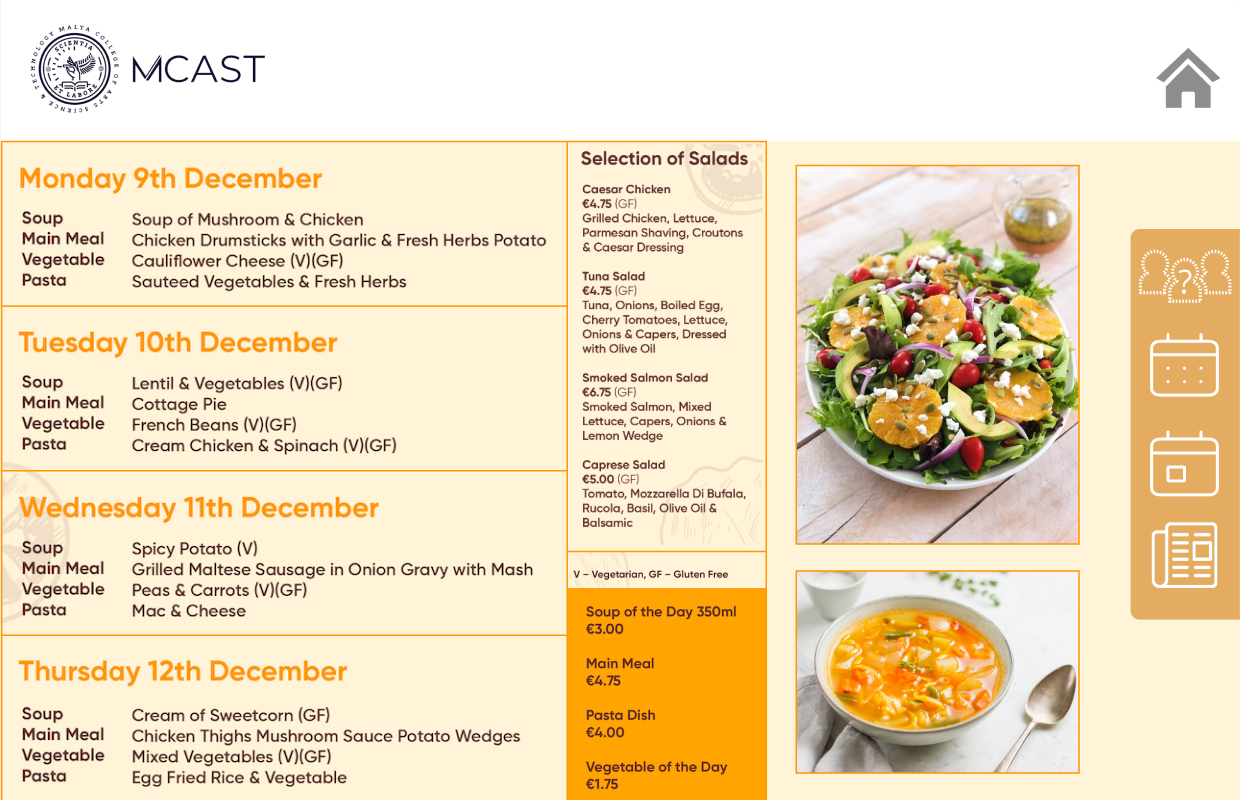
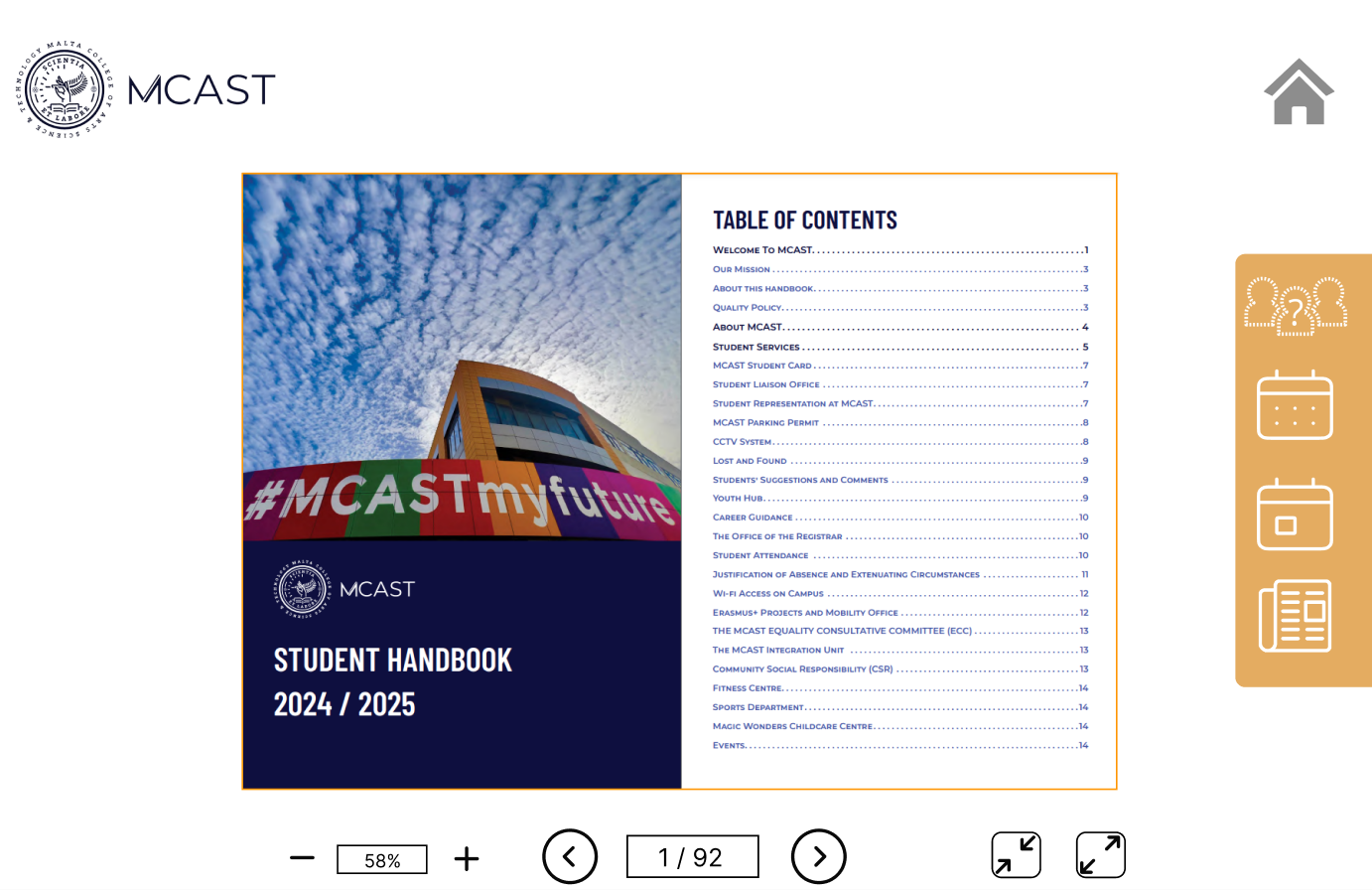
A digital noticeboard designed around quick understanding.
The noticeboard groups student information into clear areas so users can quickly choose what they need. The project focuses on simple interaction, readable screens and a visual structure that works for a public display.
Designed for scanning, tapping and moving on.
A noticeboard should not require too much effort from the user. I kept the structure direct, with clear visual areas and a simple navigation idea that lets students recognise each section quickly.
Organise the content
The first step was separating common campus information into simple categories, such as menu information and handbook content.
Make the interface readable
Large screen layouts need strong spacing and obvious labels. The design avoids crowded sections and gives each area breathing space.
Present it as an experience
The case study uses oversized visuals and offset explanation blocks so the project feels more like an interactive product presentation.